01.1Reports
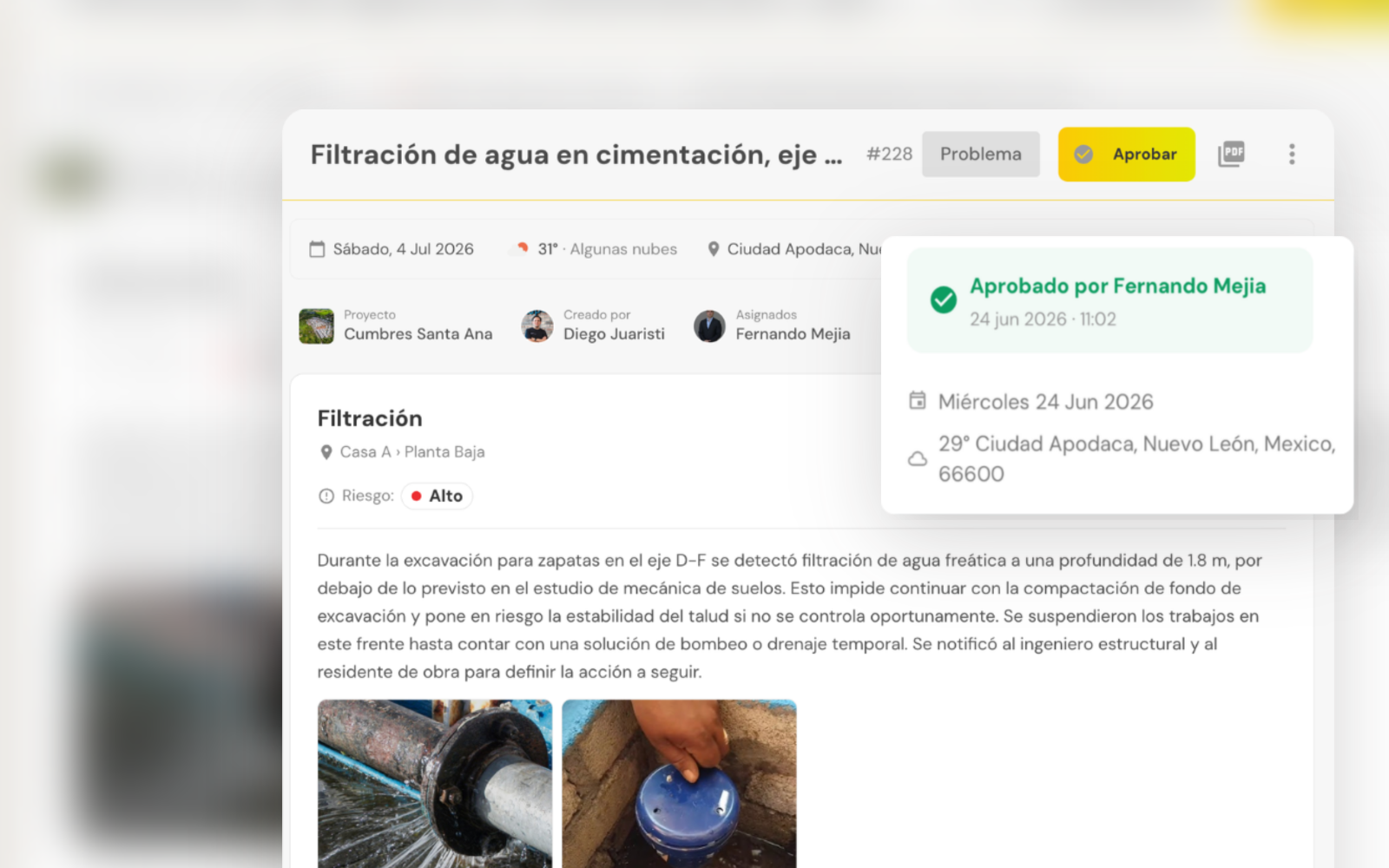
Create jobsite reports in minutes with field data.
Pick the evidence you need and generate progress, issue, delay or workforce reports without re-entering data.
- →Reuse existing photos and comments
- →Keep a standardized format
- →Export professional reports in minutes
01.2Tasks
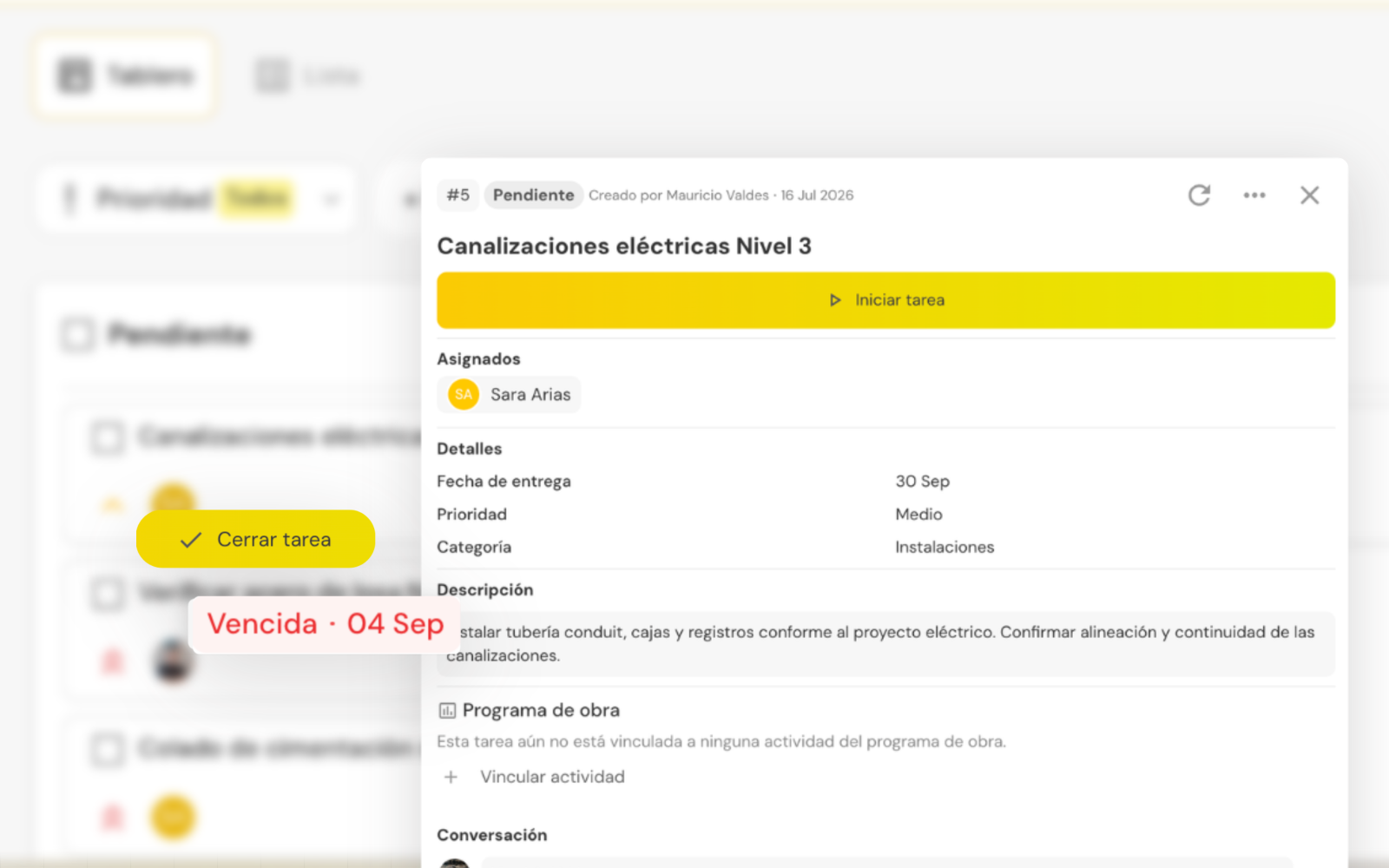
Every task, with an owner and a due date
Assign owners and deadlines, gather the evidence and track every open item until it is closed.
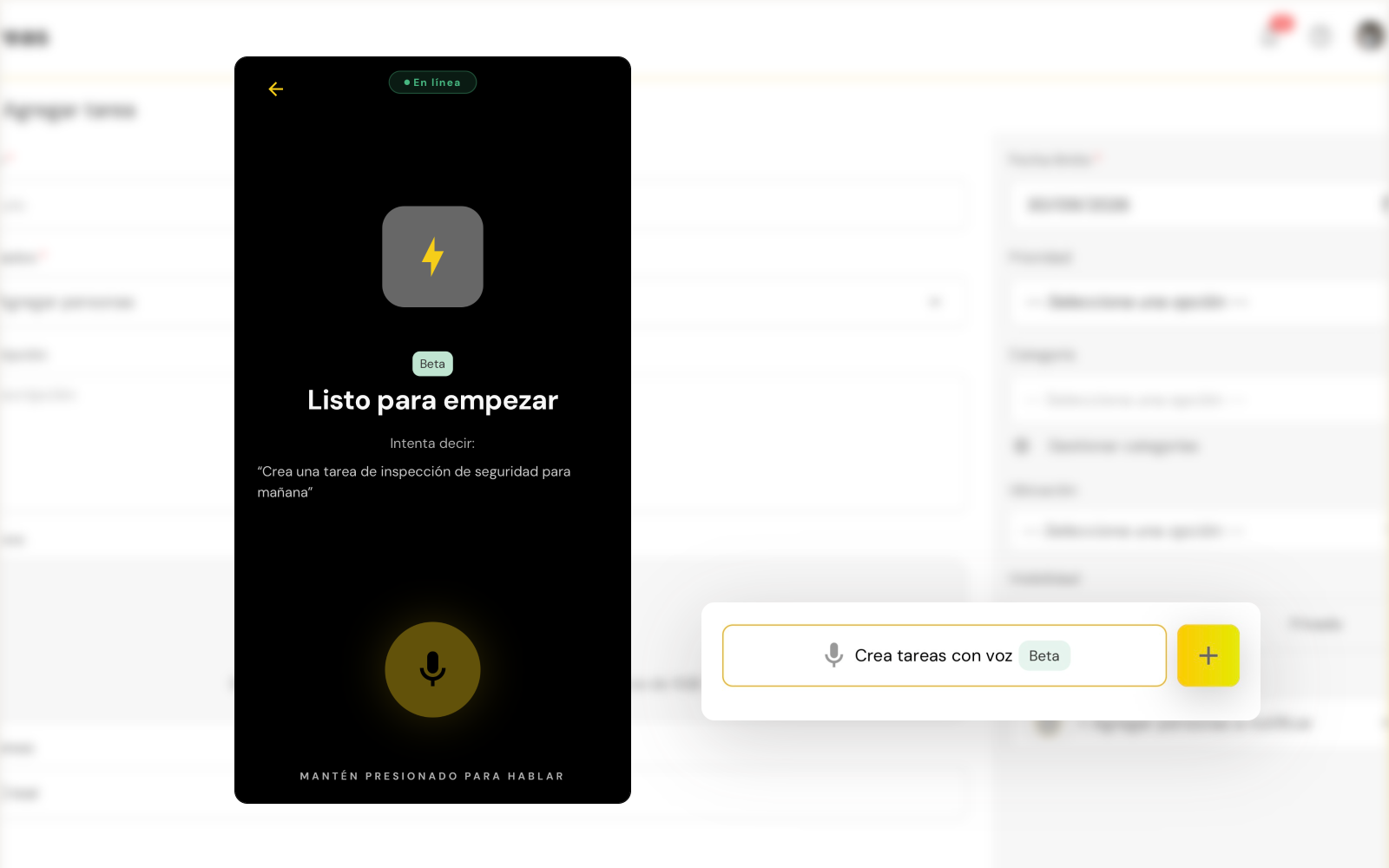
- →NewAI task creation from voice messages
- →An owner and deadline on every task
- →Automatically create tasks from other modules at key moments
- →Progress tracking through to close-out
01.3Inspections
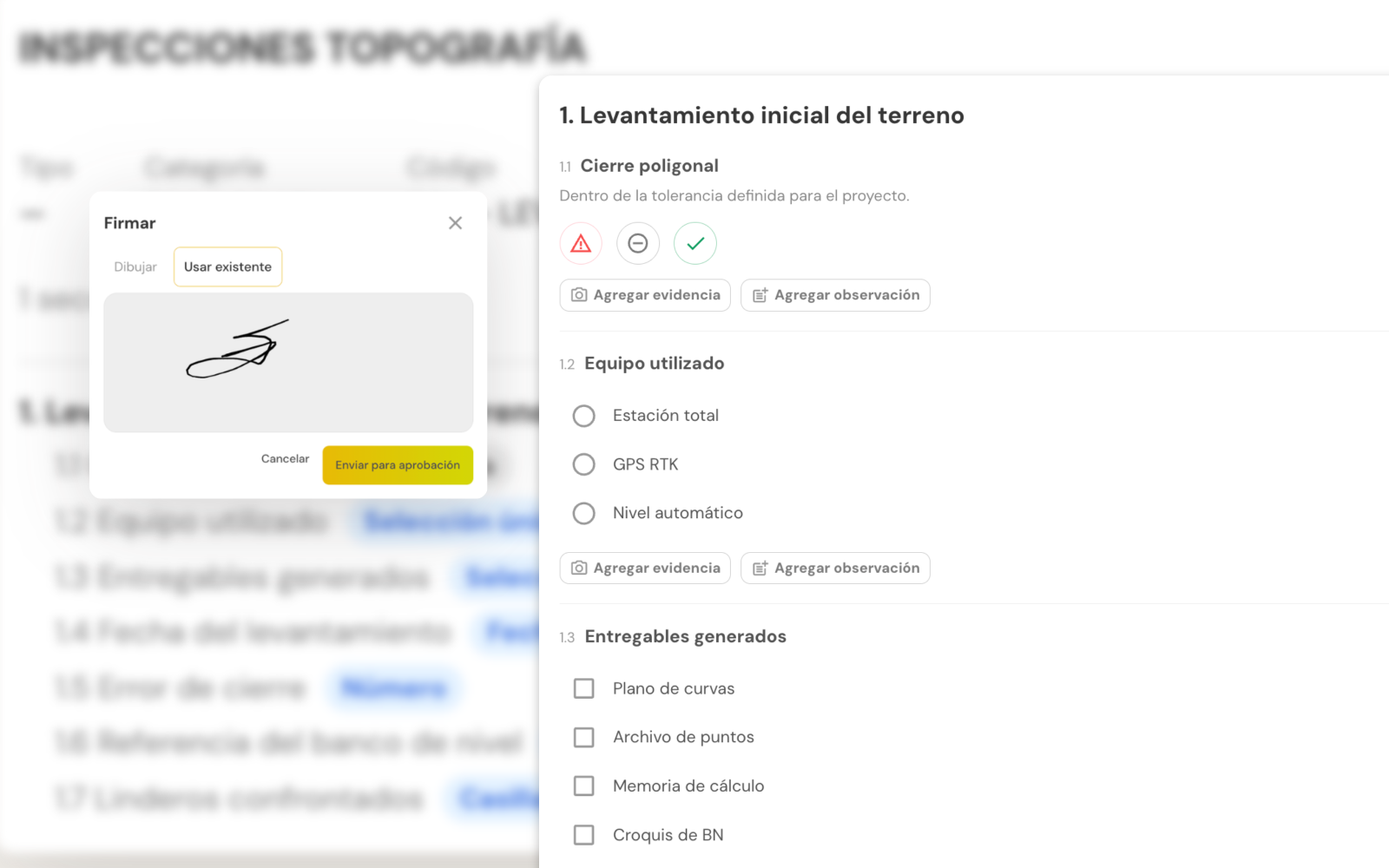
Document every inspection and follow up on findings.
Standardize your inspections, log every finding with evidence and verify corrective actions until they are closed.
- →NewBuild custom inspection templates with multiple answer types
- →Photo evidence and comments
- →Finding follow-up through to close-out
01.4Schedule
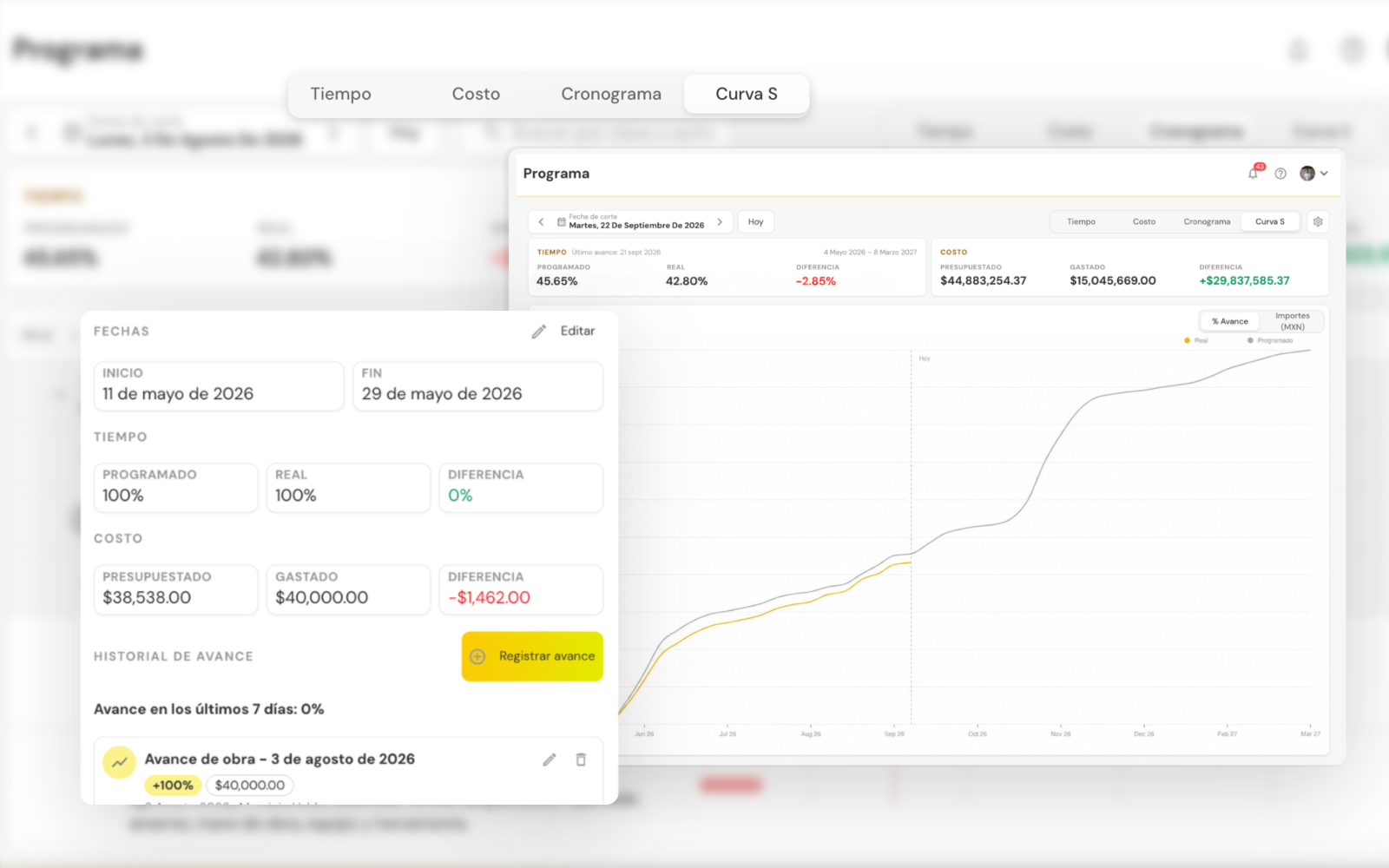
Compare planned vs. actual, activity by activity.
Compare planned and actual progress, catch deviations early and make decisions with up-to-date information.
- →NewProgress, cost and S-Curve tracking
- →NewImport schedules from Excel or MS Project
- →Change history and traceability
- →Actual vs. planned progress by activity
02.1Photos
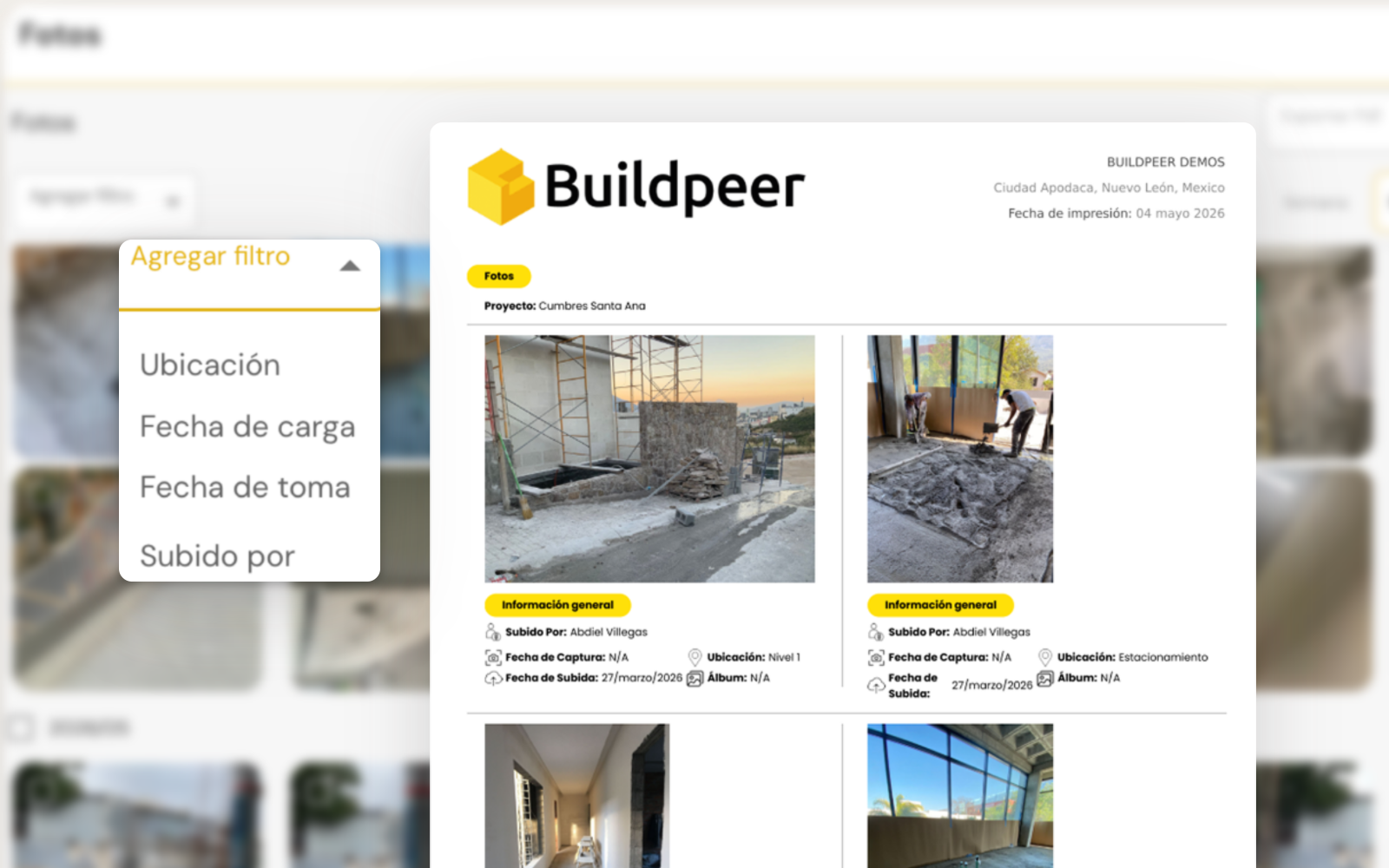
Organized evidence, not an album without context.
Every image is organized by work front, date and location, ready to reuse whenever you need it.
- →Organized by work front, date and location.
- →Export photo reports to PDF in seconds
- →Evidence for progress billing, progress and quality.
02.2Drawings
Always work on the current version of the drawing.
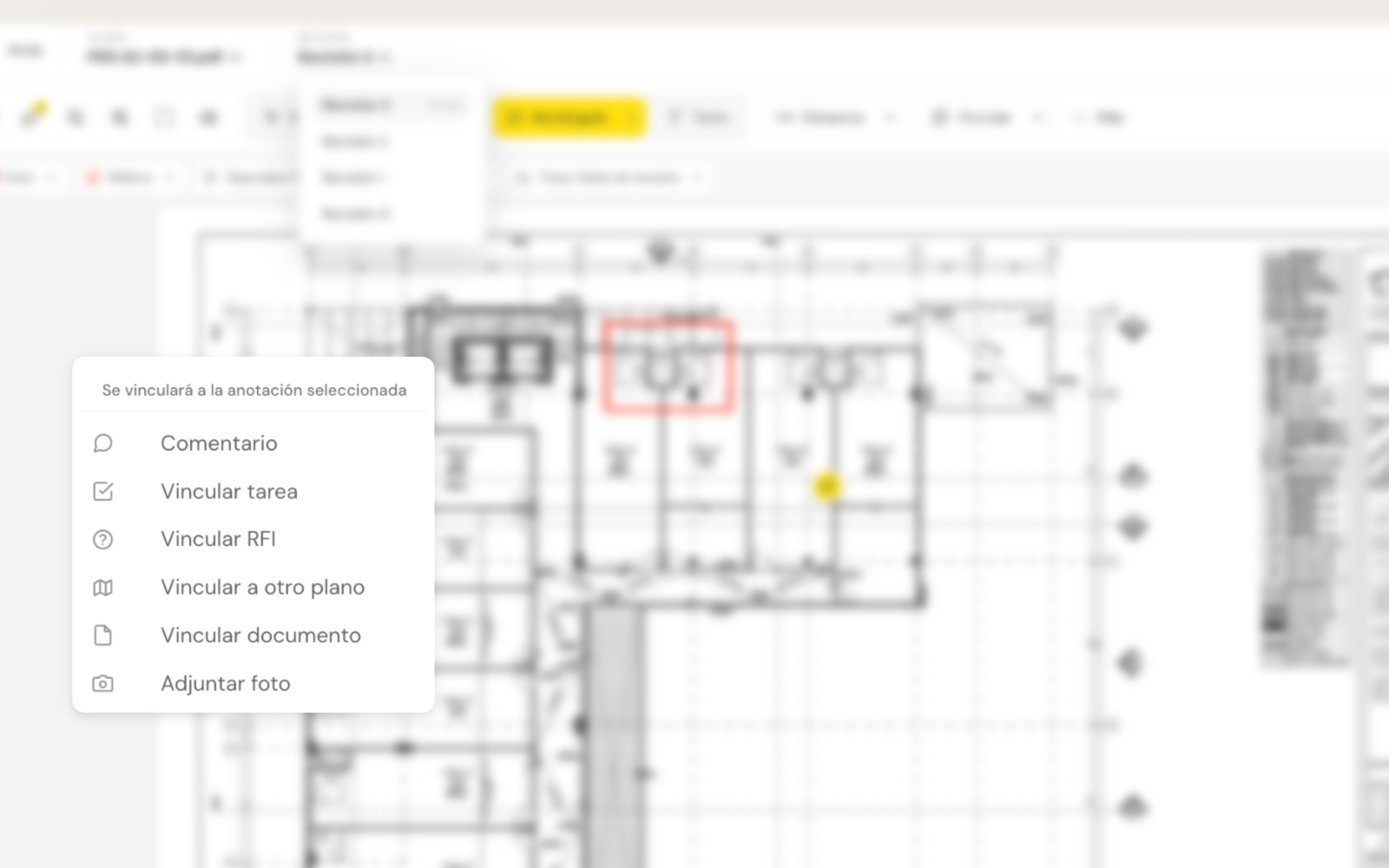
Previous versions stay archived for reference while the team works only on the current revision.
- →Full version history.
- →Comments and markups on the drawing.
- →Measurements directly on the drawing.
- →Download drawings to access them offline
02.3Documents
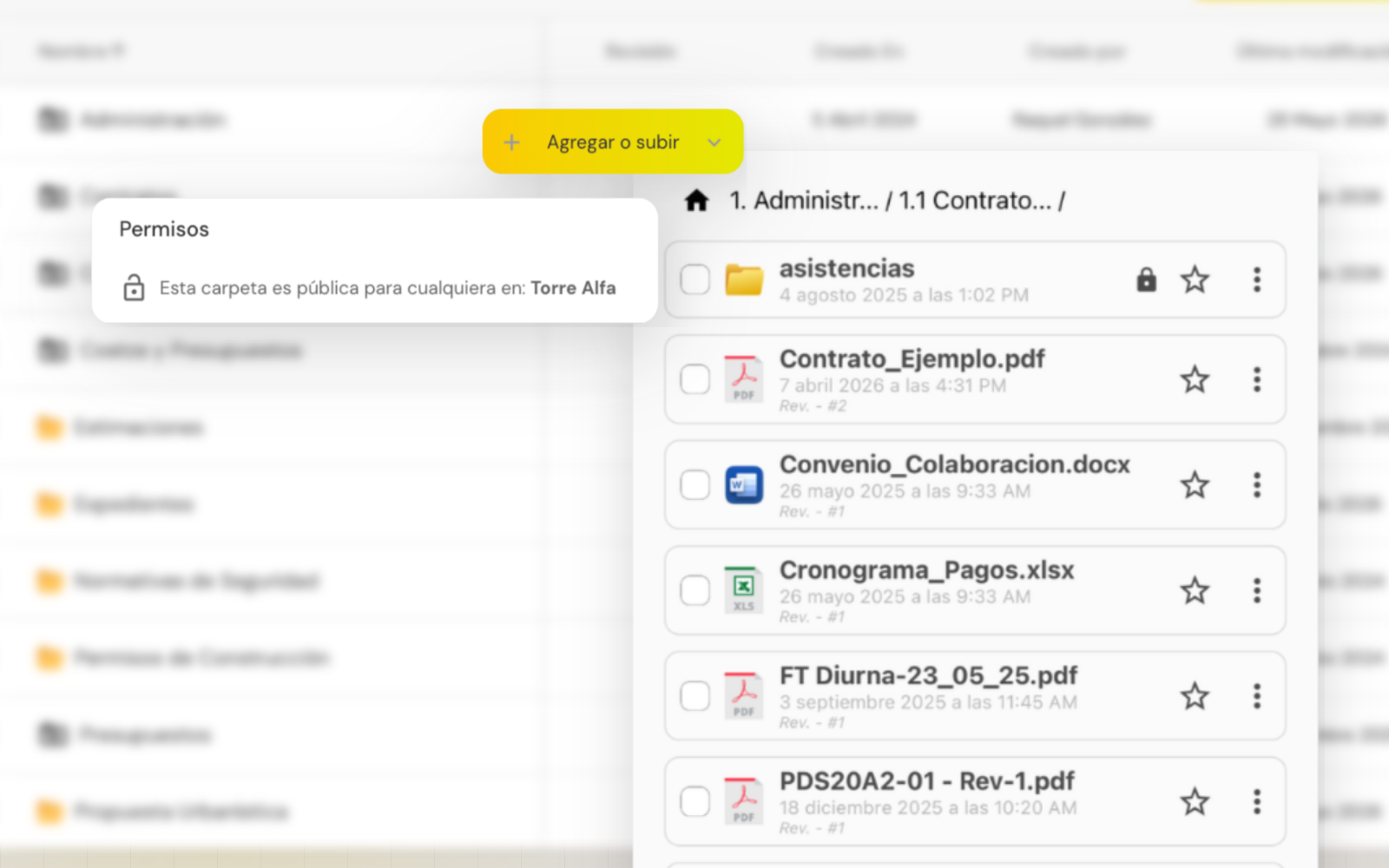
All your project documentation, in one place.
Contracts, specifications, technical reports and any project file stay organized and accessible to the entire authorized team.
- →Organize the entire project file.
- →Download files to access them offline
- →Custom permissions per folder.
02.43D Viewer
Understand the project before you build it.
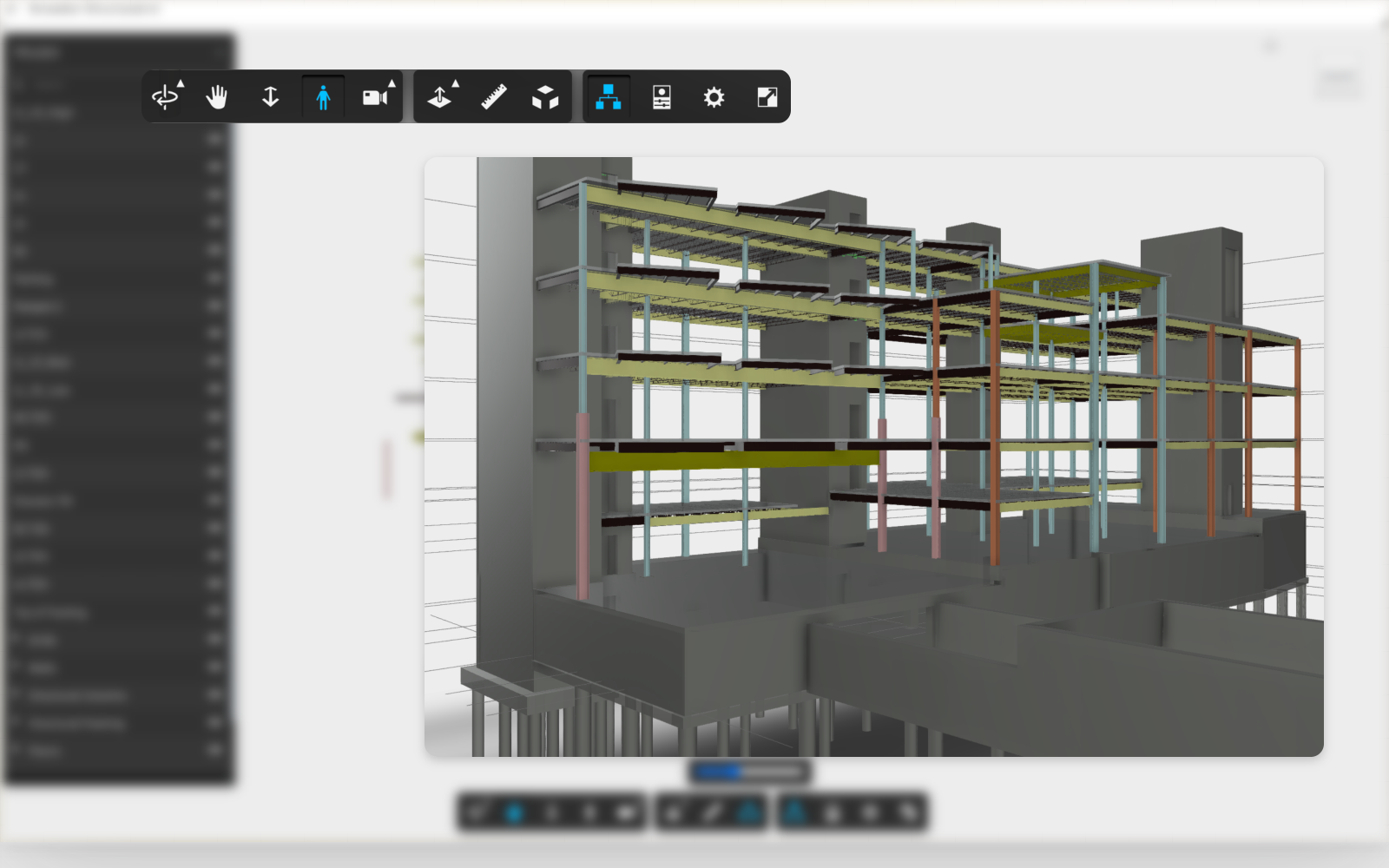
View 3D models inside Buildpeer to validate the design and resolve questions before reaching the field.
- →Supports .RVT and .SKP files.
- →Validate details before building.
- →Navigate the model from any device.
03.1RFIs
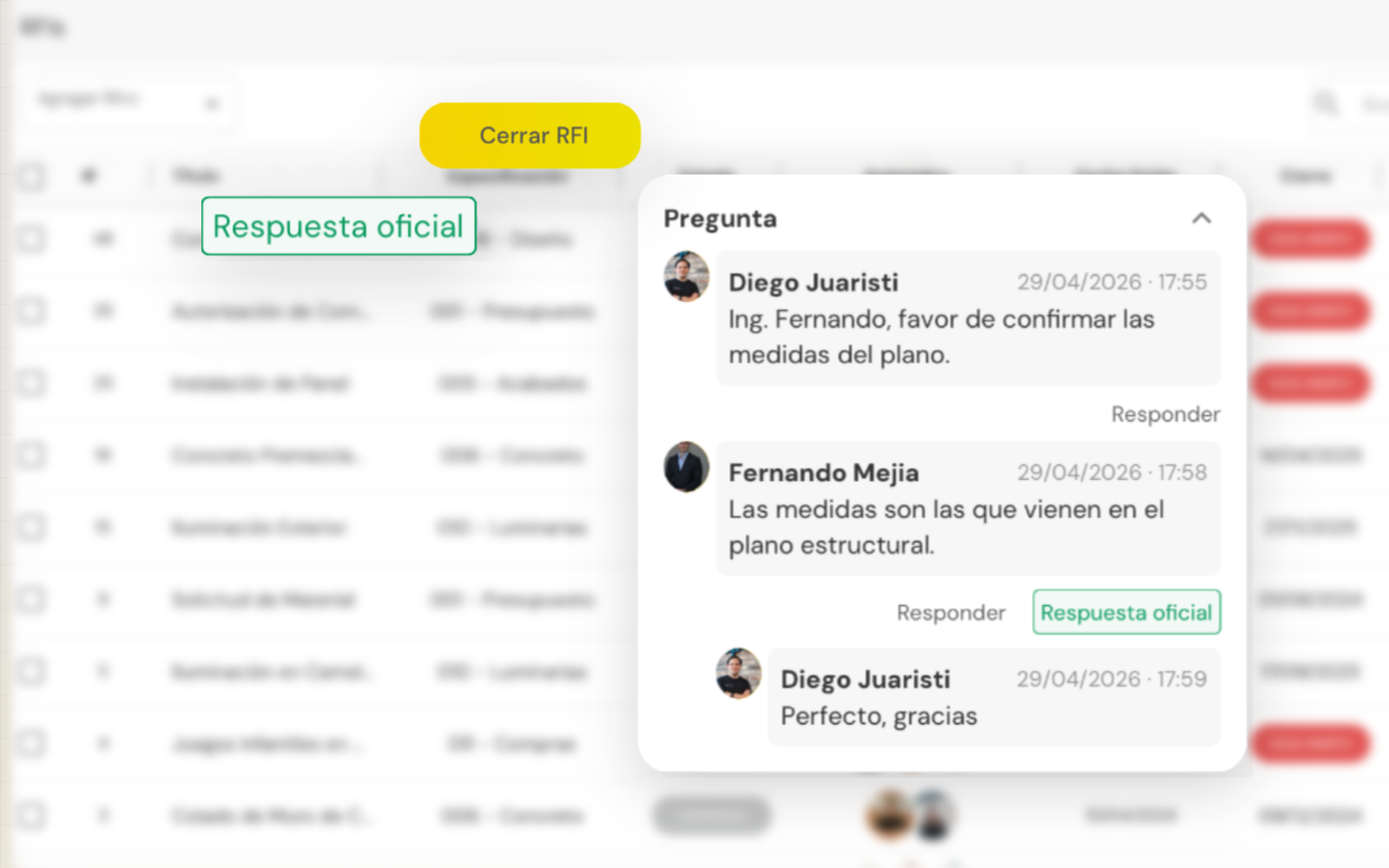
Resolve technical questions with one official answer.
Centralize questions between the office, the jobsite and designers. Track every RFI until it is resolved and keep the history of each decision.
- →Defined owners and response times.
- →Tracking with read receipts.
- →One official answer for everyone.
03.2Submittals
Control every approval before execution.
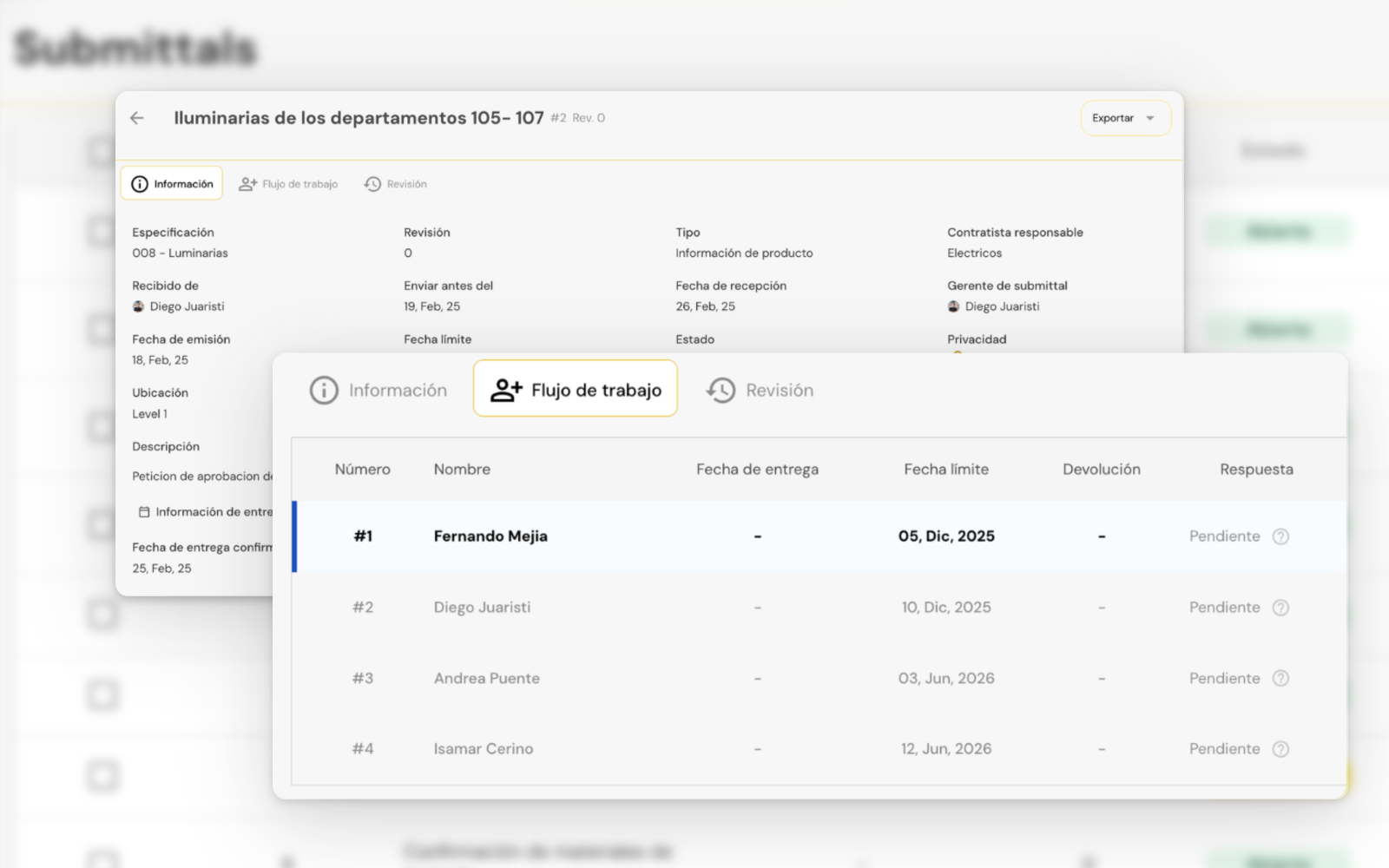
Manage the submission, review and approval of materials, drawings and product data through a structured workflow that prevents delays.
- →NewStructured review and approval workflow
- →Status tracking
- →Revision history
03.3Announcements
Keep the whole team aligned with official announcements.
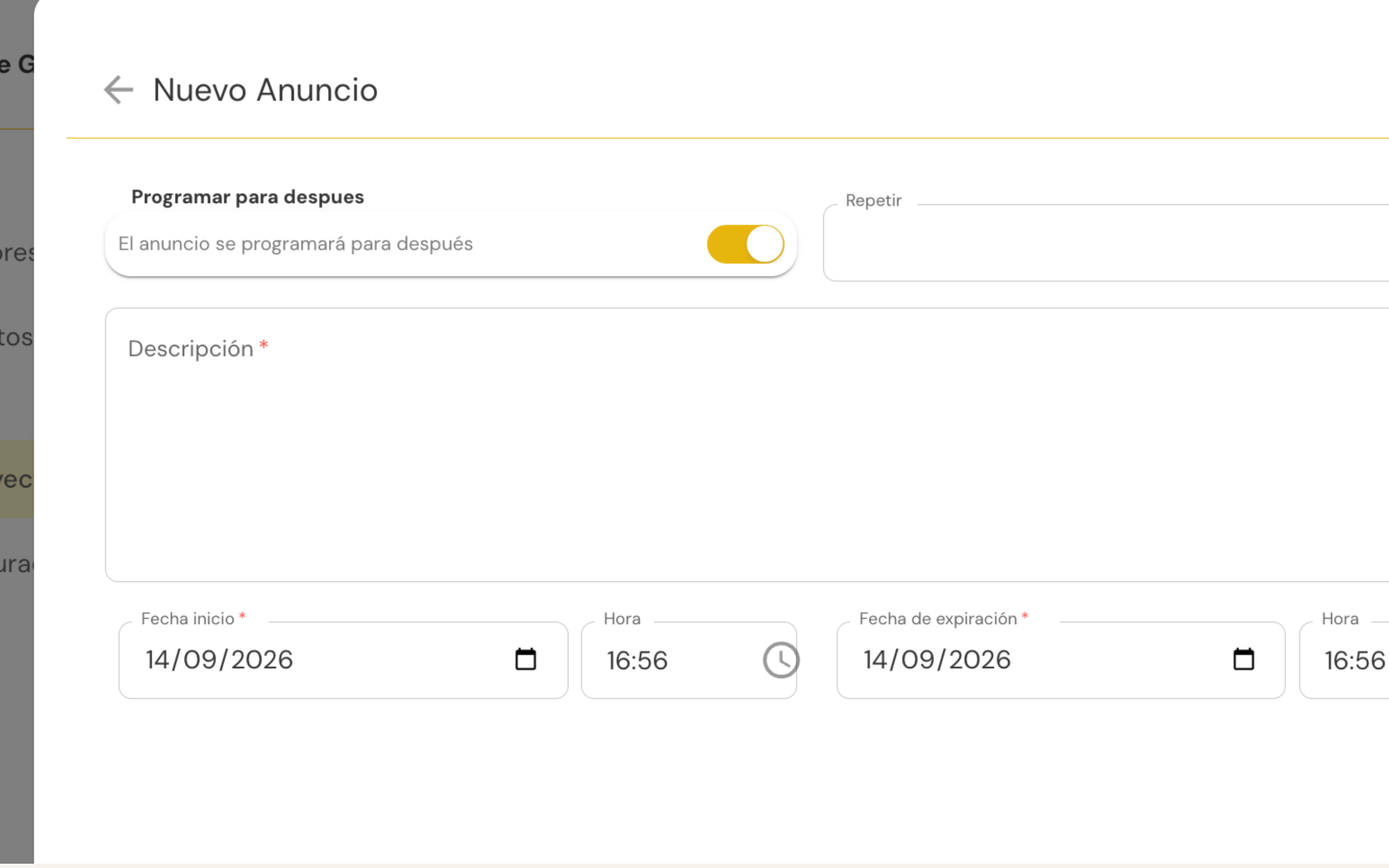
Share important notices with the entire project from one place and make sure every member gets the same information.
- →Posts visible to the whole team.
- →Automatic notifications.
- →Announcement history.
04.1Chip
Log jobsite tasks just by saying them.
Press and hold, describe the task the way you would explain it to a coworker, and Chip turns it into a task with an owner, due date and location, with no forms and no need to stop your walkthrough.
- →Dictate, no forms
- →Owner, date and location filled in automatically
- →Review and publish them all at once
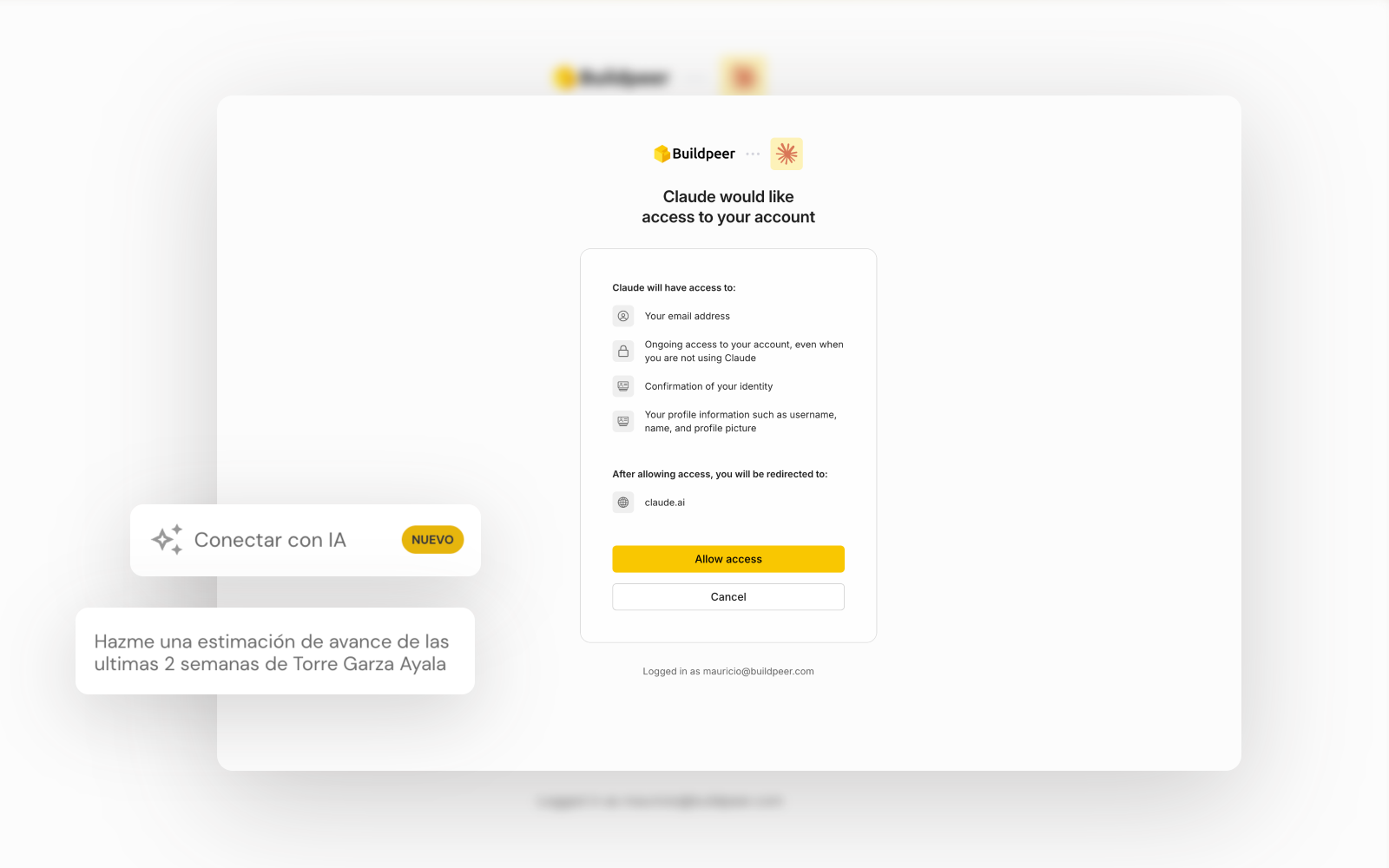
04.2Connect your AI
Ask your AI how your projects are going.
Connect Buildpeer to Claude or ChatGPT and get answers based on your real project data. Ask which projects are behind, which tasks are still open or which RFIs are left to close, without opening a single report.
- →Works with Claude and ChatGPT
- →Connects in two minutes
- →Read-only, with your permissions





.svg)
.png)


