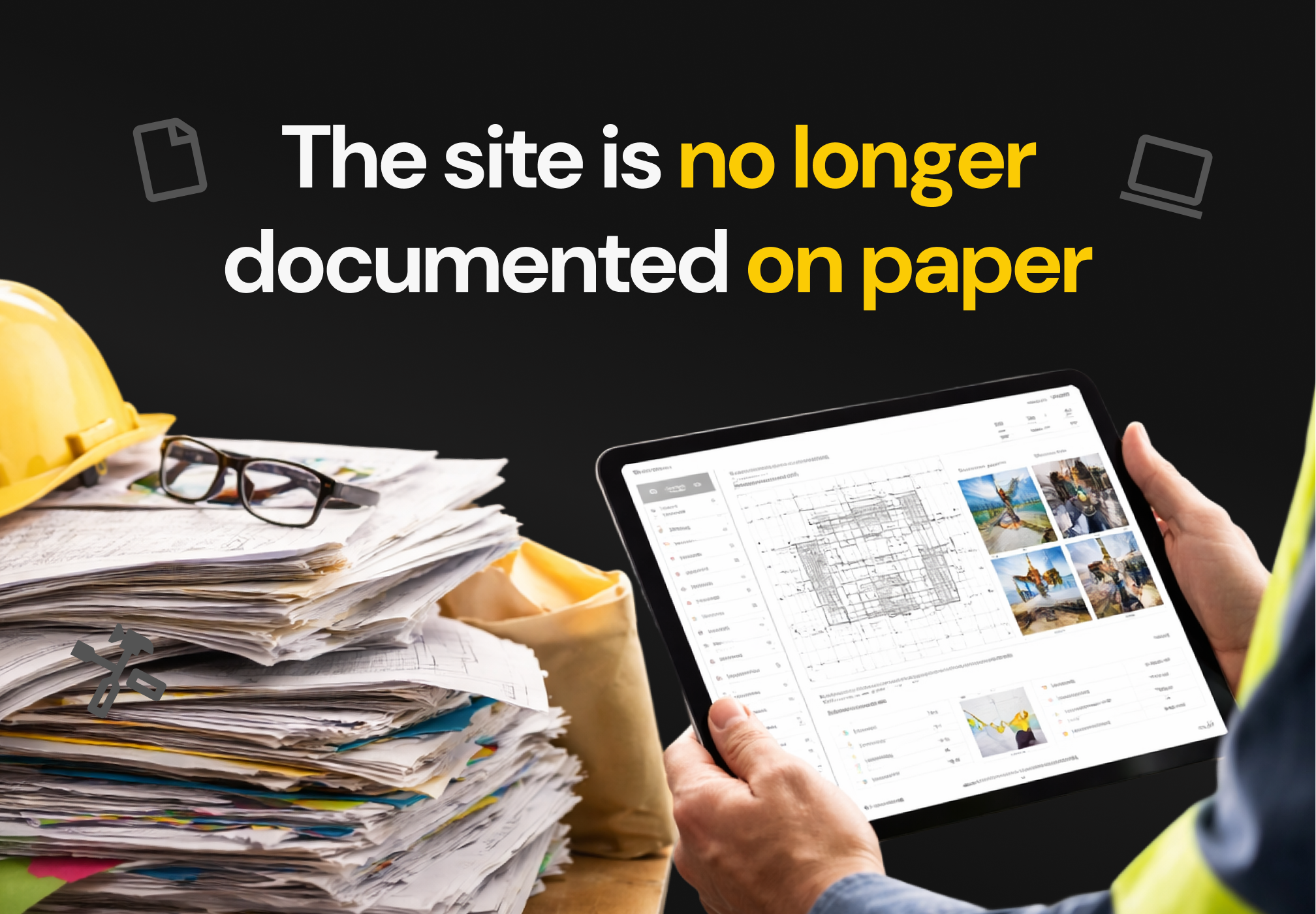
The digitization of on-site documentation is no longer a trend but an operational necessity. Construction generates tons of paper: drawings, RFIs, inspections and daily reports that consume time and money. The average construction company can spend more than $700 per employee per year on printing, and paper accounts for nearly a quarter of municipal solid waste. By migrating to digital formats, companies reduce operating costs and protect the planet. The key is to choose tools that facilitate the capture, organization, version and access to information, integrating with project processes.
Why digitize work documentation?
Digitizing plans, reports and records provides tangible benefits in the daily operation of the work:
Time and cost savings. Time wasted searching for updated drawings or correcting errors due to working with obsolete information causes delays and repetitions of work. Document management systems eliminate these problems by centralizing information and providing updated versions.
Transparency and trust. Customers demand visibility. Geo-tagged photos, digital reports and visual evidence strengthen the relationship with the customer.
Legal proof and support. Having time-stamped documentation and photos of each stage helps to respond to claims and insurance.
Better internal communication. Digitalization allows the entire team to access the same information in real time, avoiding duplication of efforts.
Sustainability. Less paper means less waste and a more responsible operation.
Criteria for choosing document management software
When evaluating tools for digitizing work documentation, consider these aspects:
Centralization and version control. The platform must centralize all documents and ensure that each user works with the latest version.
Secure storage and access. Look for unlimited cloud storage with customizable permissions.
Mobile and offline compatibility. It's crucial to be able to access drawings and reports from any device, even when offline.
Integrations. A robust solution integrates with BIM, ERP and CRM to synchronize information and reduce duplication.
Usability. The learning curve should be short and the interface should be intuitive for construction and office equipment.
Security and traceability. The software must provide access controls, encryption and time stamps for each change, generating an auditable record.
Scalability and costs. There are premium options for large construction companies and cheaper or free alternatives for SMEs.
Transforma la forma en que gestionas tus proyectos de construcción.
Outstanding tools for digitizing work documentation
The software offering is wide. Instead of a chart, the most commonly used solutions and their main features are described below:
Buildpeer: allows you to centralize documentation, maintain version control and track project information in one place. It is a suitable option for companies that seek to improve the organization and traceability of information on site.
Procore, construction software: centralizes documents, provides unlimited storage and automatic version control, as well as advanced permissions. It is aimed at large contractors who need comprehensive document management.
Fieldwire, construction management software: it has an as‑built and BIM plan viewer, real-time updates and offline access with mobile annotations. It is well suited to construction teams that require up-to-date plans and fluid communication.
CompanyCam, documentation app: allows you to take geo-tagged and time-stamped photos, organize by project, share links with customers and integrates with CRM systems. It's useful for contractors who need visual reports and share progress.
JobNimbus, project management software: combines CRM and project management; allows you to attach photos and files, generate personalized reports and follow up on leads. It's a suitable option for companies looking to unify sales and documentation.
Buildertrend, construction management software: it offers financial monitoring, photographic recording, a private portal for clients and management of exchange orders, making it useful for medium or large construction companies oriented to relationships with clients.
Kizeo Forms: Facilitates the creation of customized digital forms, field data capture, digital signature and integration with other systems. It is designed to digitize logs, work reports and security reports.
Autodesk Docs, document management platform: oriented to projects that already work with BIM. It allows you to manage documentation in the cloud and integrate with Autodesk tools.
ClickUp, project management platform: offers collaborative documents with version control, tasks and schedules in one place. It's attractive for teams that want to combine planning and documentation.
Bluebeam, PDF software: specializes in advanced PDF marking, measurement, and collaboration on drawings. It's suitable for teams that work with PDF drawings and need annotation tools.
Best practices for digitizing documentation
Standardizes the documentation flow. Define clear formats for logs, construction reports, progress logs and security reports. Tools such as Kizeo Forms allow you to create personalized forms and add photos, audios or geolocation.
Take photos before, during and after. Recording each phase helps to show progress, hidden damage and support for claims.
Organize by project and phase. Each work must have its digital folder with plans, contracts, checklists and photos. The organization makes it easy to search and track.
Permissions and roles. Assign clear roles and control who can upload, edit or approve documents. Platforms such as Procore and Fieldwire offer customizable permissions.
Integrate with other tools. Connect your document software with ERP, CRM and BIM to avoid duplication and have a unified view of budget and progress.
Empower the team. Resistance to change is one of the main barriers. Accompany your team in the adoption of new tools with practical training.
Conclusions
The digitization of construction documentation is an essential step to increase efficiency, reduce costs and improve construction quality. Document management tools allow you to centralize and version plans, reports and permissions; offer secure and mobile access; and connect all actors in real time. In addition to generalist platforms such as Procore, Fieldwire or Autodesk Docs, there are specialized solutions such as CompanyCam for photographic reports or Kizeo for forms. Choosing the right tool involves evaluating features, integrations, usability, and scalability.
By adopting digitalization, companies don't just eliminate paper; they transform the way they manage their projects. Buildpeer is an example of how digitalization becomes a strategic decision that protects margins, improves visibility and builds more sustainable and profitable works.
Preguntas Frecuentes
How is investment in digitalization justified?
Although some teams see digitization as a high expense, the hidden costs of paper, rework, and delays far outweigh the price of software. The average company spends thousands of dollars a year on impressions and wastes hours searching for information. Platforms such as Buildpeer allow us to see returns in a few months by reducing errors, accelerating approvals and centralizing documentation.
What are the benefits of working with the latest version of the plans?
Working with the right version avoids duplication of effort and rework. Systems such as Procore guarantee automatic version control, while Fieldwire updates plans in real time and notifies all members about changes.
Can I digitize the work if my team works in areas without internet?
Yes. Many solutions offer offline access. Fieldwire allows you to download drawings and continue working offline. When connectivity is restored, the system synchronizes the changes.
How to avoid digital clutter?
It adopts naming and classification policies, and assigns review managers. Use permissions to ensure that only the right people modify documents and take advantage of the platform's search and tagging features to find documents quickly.
What's the difference between a photo application and a complete document management software?
Applications such as CompanyCam focus on georeferenced photos and visual reports, while document management platforms integrate plans, RFIs, contracts and approval processes, with version controls and advanced permissions. The choice depends on the size of the project and the need to integrate with other areas such as budgeting or CRM.





.jpg)




.svg)
.png)


